
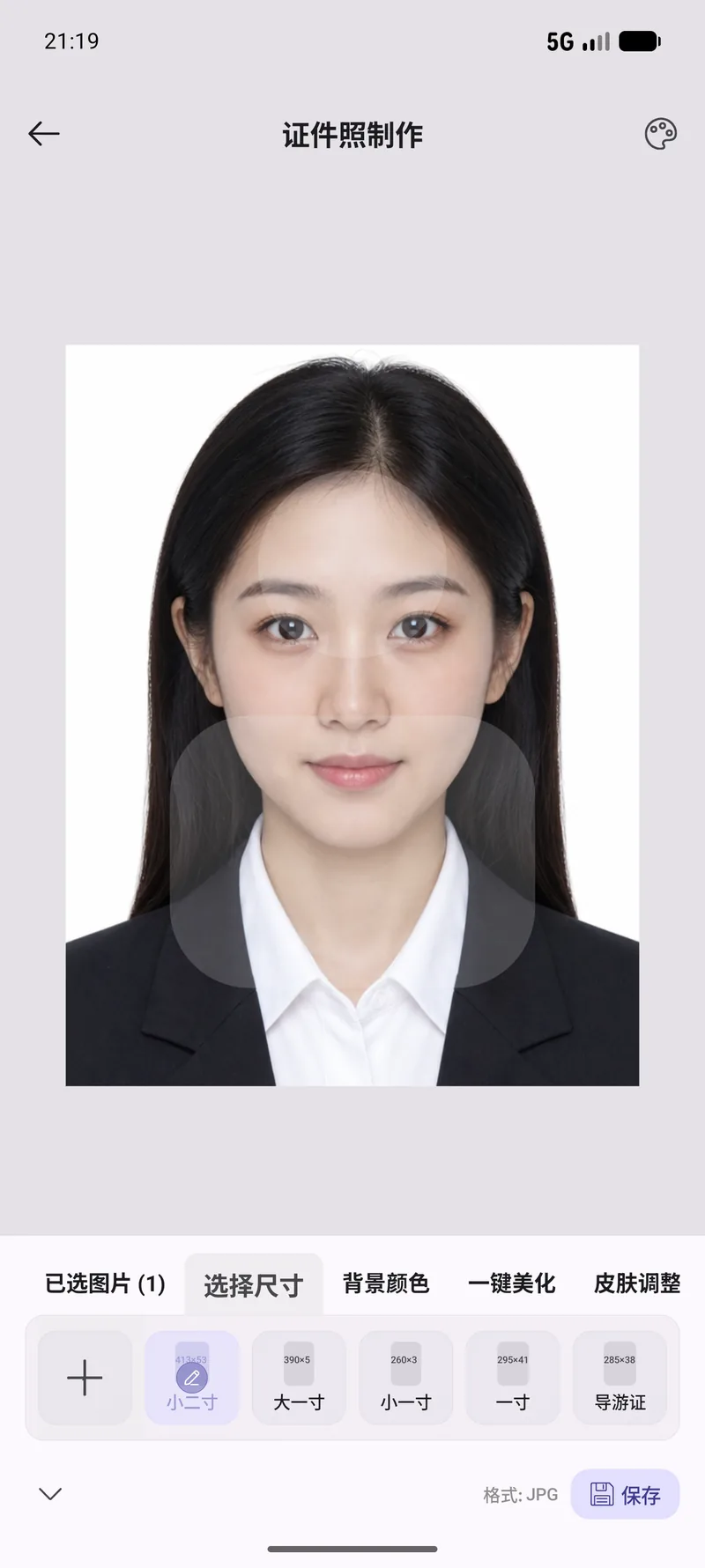
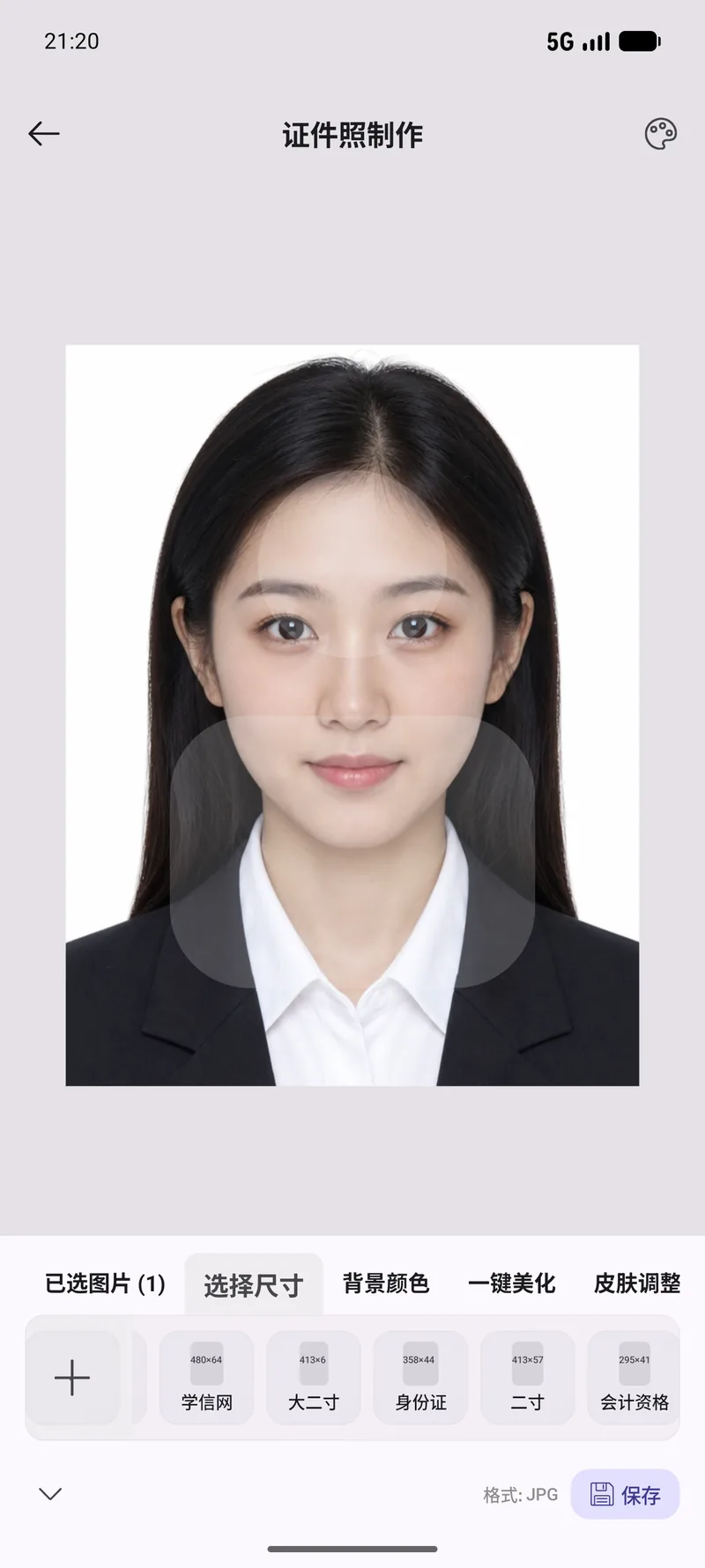
24 preset sizes
Visa and ID formats for the US, UK, Schengen area, Japan, Korea and more — plus fully custom sizes in millimetres or pixels.
Crop any portrait into a compliant ID photo — 24 size presets, face alignment guides, print-ready export.
Visa and ID formats for the US, UK, Schengen area, Japan, Korea and more — plus fully custom sizes in millimetres or pixels.
Reference lines show exactly where the eyes, face and headroom belong, so the crop matches the official spec.
Output at the exact pixel dimensions and DPI each format asks for, ready for home printing or online submission.
Pick an existing portrait or take one on the spot.
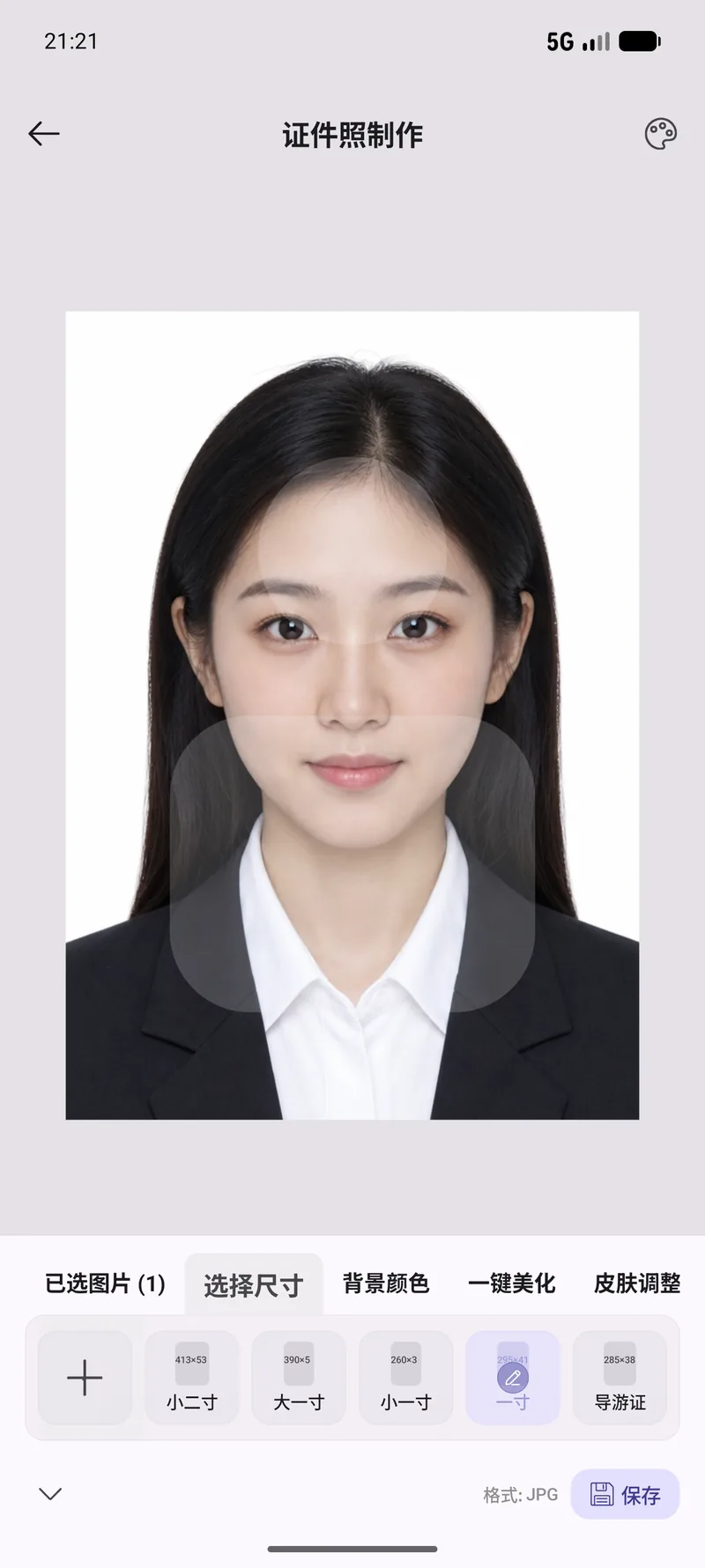
Choose one of the 24 presets or enter custom dimensions. Alignment guides help you position the face correctly.
Optionally swap the background colour and apply retouching, then export at print resolution — several sizes at once if you need them.
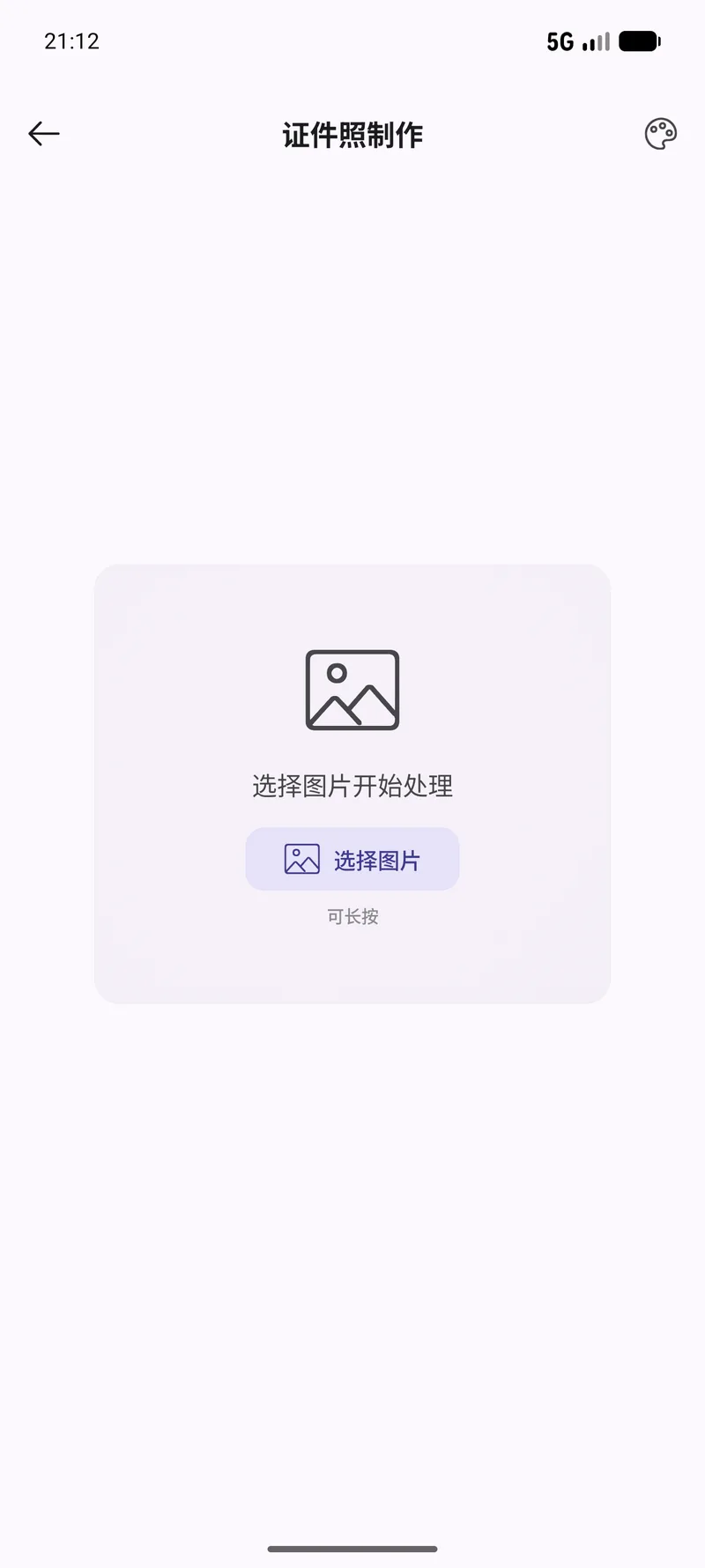
Real screens from this module. The interface is shown in Chinese here — OneBox ships in twelve languages, English included.
Tell the built-in agent what you want in plain English. It picks the right tool, runs it, and reports back — you never leave the chat.
Make a US visa photo, 51 x 51 mm, from this portraitTurn this selfie into a 35 x 45 mm photo with a white backgroundExport this photo in both one-inch and two-inch sizes24 presets covering common visa, passport and ID card formats, plus custom sizes in millimetres or pixels.
Cropping, sizing, alignment and export are fully local. Two optional features — the AI background swap and one-tap retouch — use a cloud image-processing service, so those upload the single photo you are editing. Everything else stays on the device.
Yes. Export matches the dimensions and DPI the format requires, so any photo printer will do.
Yes. Batch export produces multiple size variants from the same source in one go.
90+ tools, free, no ads. All processing happens on your device. Open source under Apache-2.0.