
Quick add, one tap
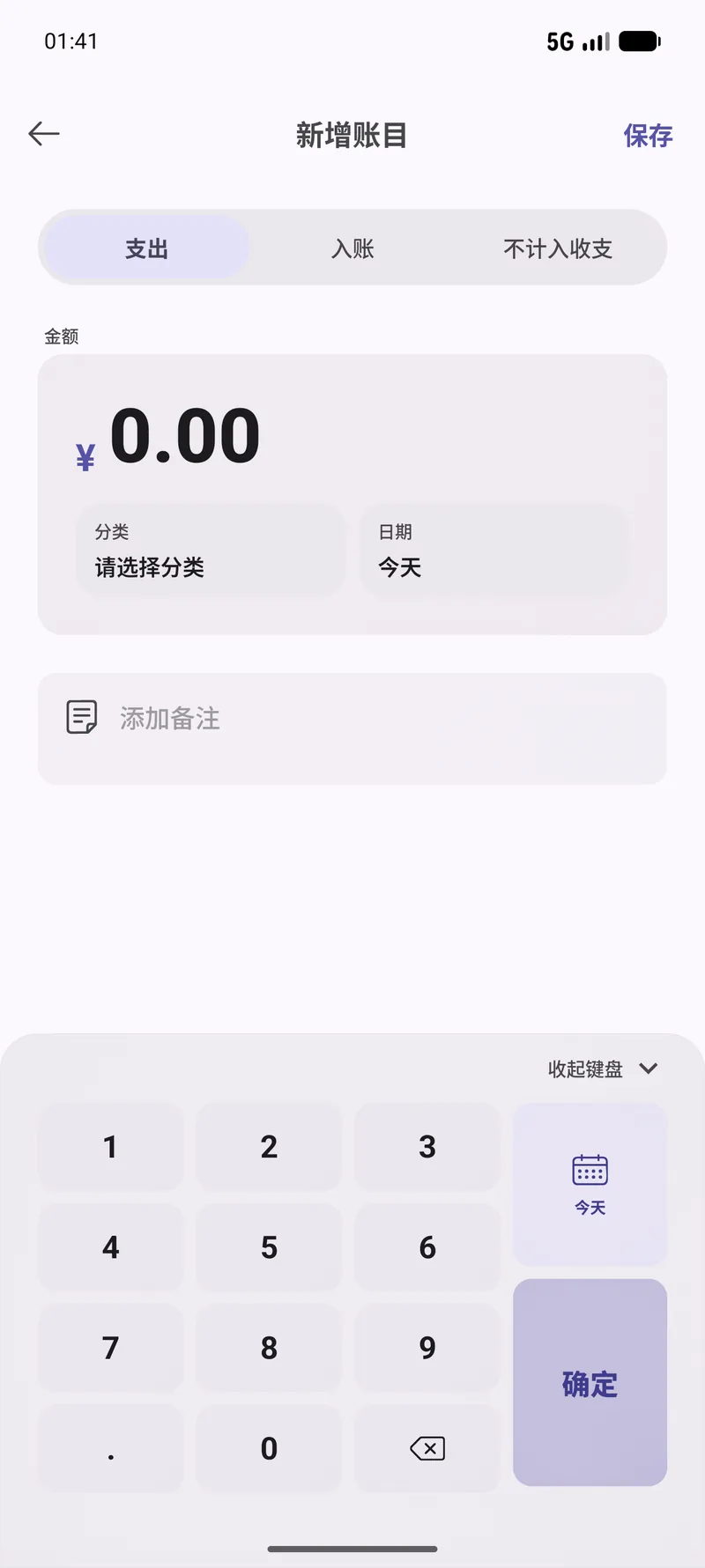
A floating button opens the entry form straight away — amount, category, optional note, done. Built for logging while the receipt is still in your hand.
Log an expense in a couple of taps, file it under your own categories, and see where the money went — all kept on your phone.
A floating button opens the entry form straight away — amount, category, optional note, done. Built for logging while the receipt is still in your hand.
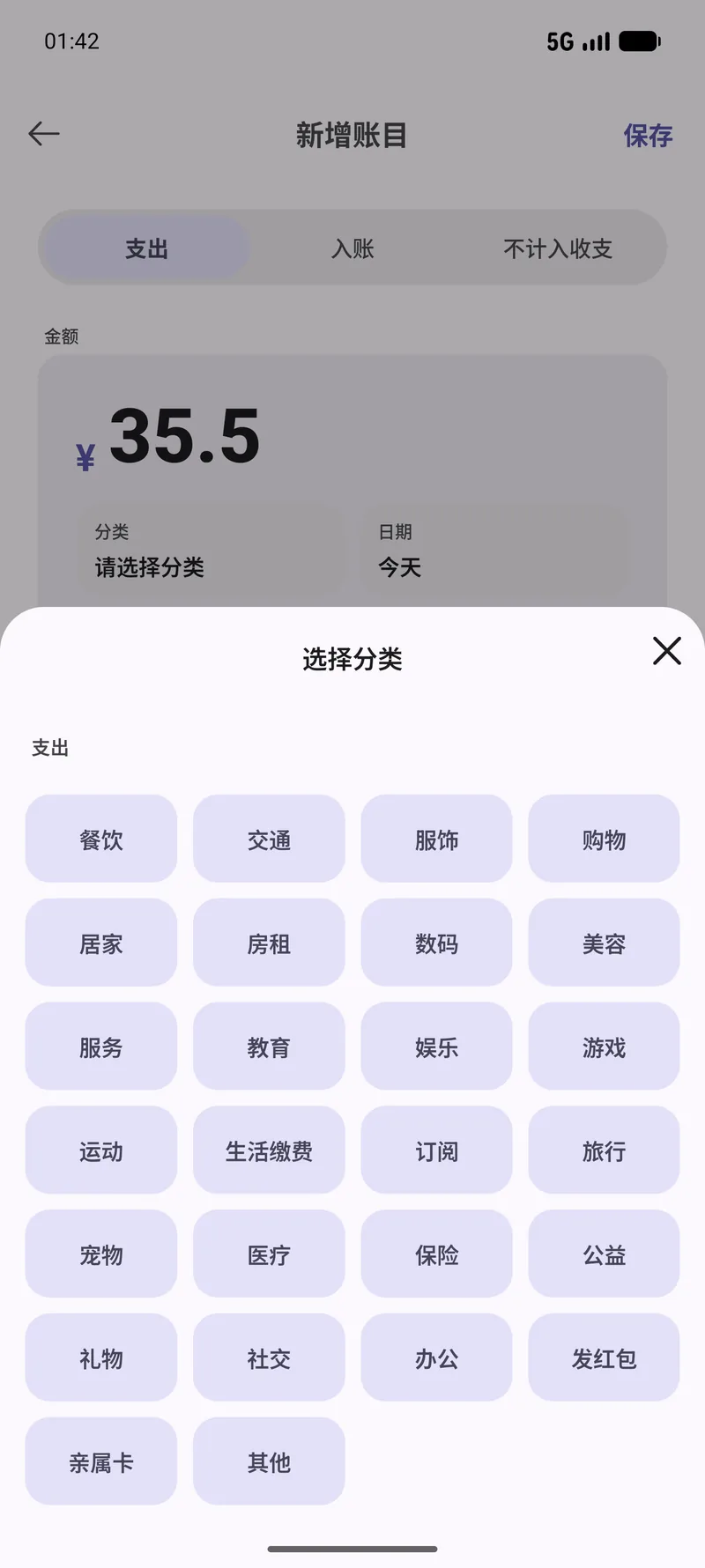
Rename the defaults, add your own, or mark a category as excluded so it drops out of the totals without leaving your history.
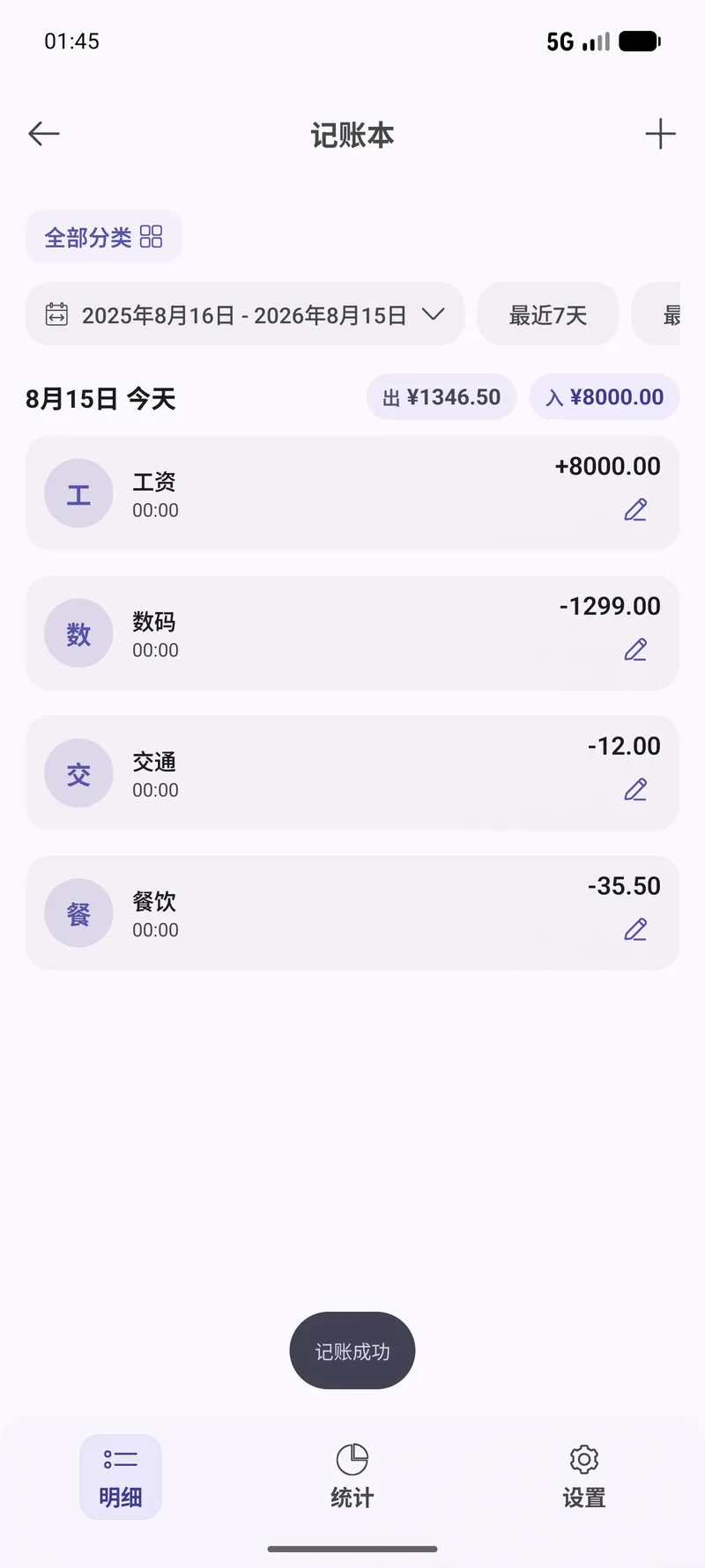
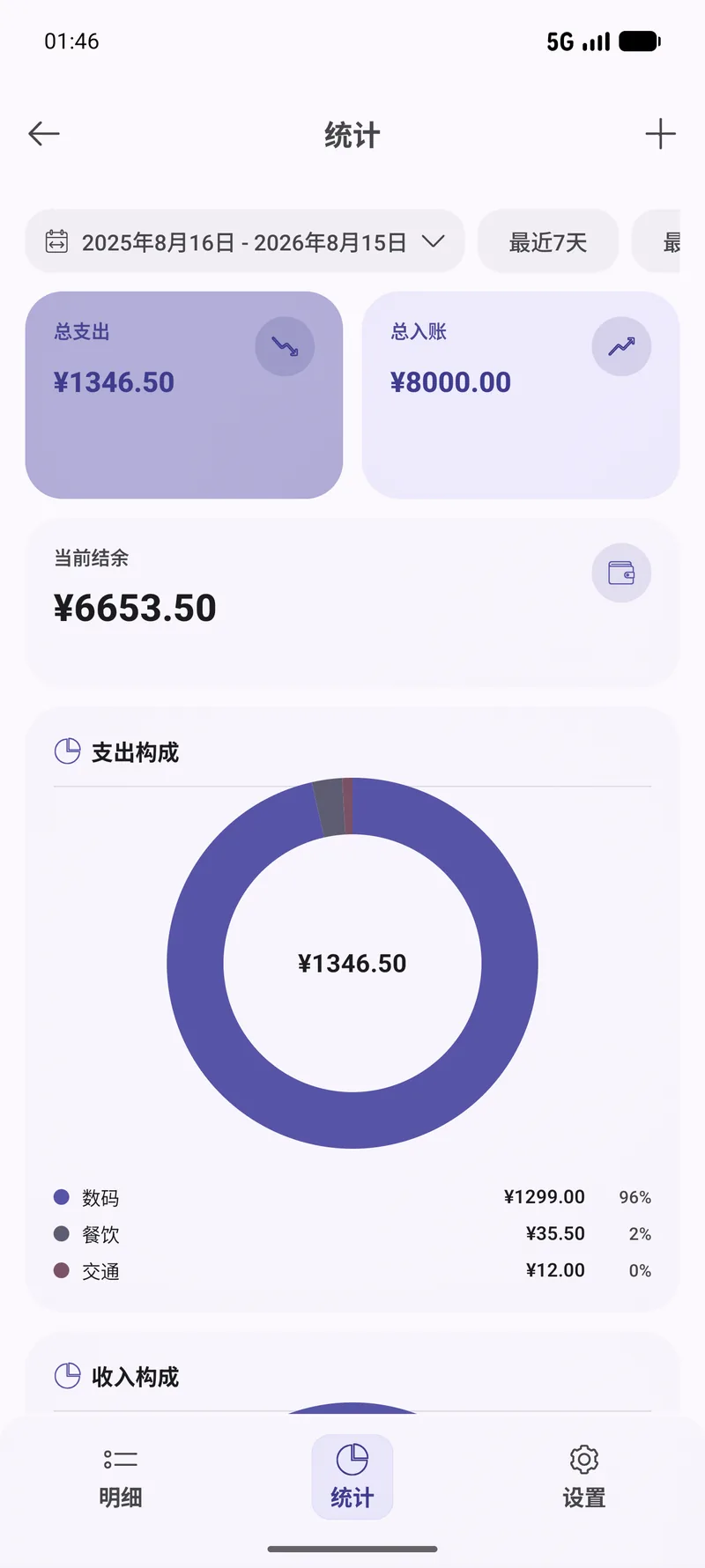
The stats tab shows total income and total expense, and you can filter down to one category to see which is eating the budget.
Use quick-add, pick expense or income, enter the amount and choose a category. Add a note if you will want the context later.
Open category settings to add, rename or reorganise them, so they match how you actually spend rather than how a template assumes.
Switch to the stats tab for total income and expense, then filter by category to drill into whichever one matters this month.
Real screens from this module. The interface is shown in Chinese here — OneBox ships in twelve languages, English included.
Tell the built-in agent what you want in plain English. It picks the right tool, runs it, and reports back — you never leave the chat.
Log 38 for lunch under DiningAdd an income entry of 2000 for this monthTotal up what I spent on transport last monthNo. Records are stored locally, there is no account to create and no server to sync to — which is also why there is no way for us to read them.
Yes. Category settings lets you add, rename and reorganise them freely.
Yes. Mark an entry as excluded and it stays in your history but drops out of the income and expense totals — handy for expenses you will be reimbursed for.
Yes. There is nothing to sync, so the app is fully usable with no connection at all.
90+ tools, free, no ads. All processing happens on your device. Open source under Apache-2.0.