
No cable, no cloud
Files move directly between your devices over the same WiFi network. Nothing is uploaded to any server.
Move files between your phone and computer over local WiFi — scan a QR code to pair, no USB cable, no cloud.
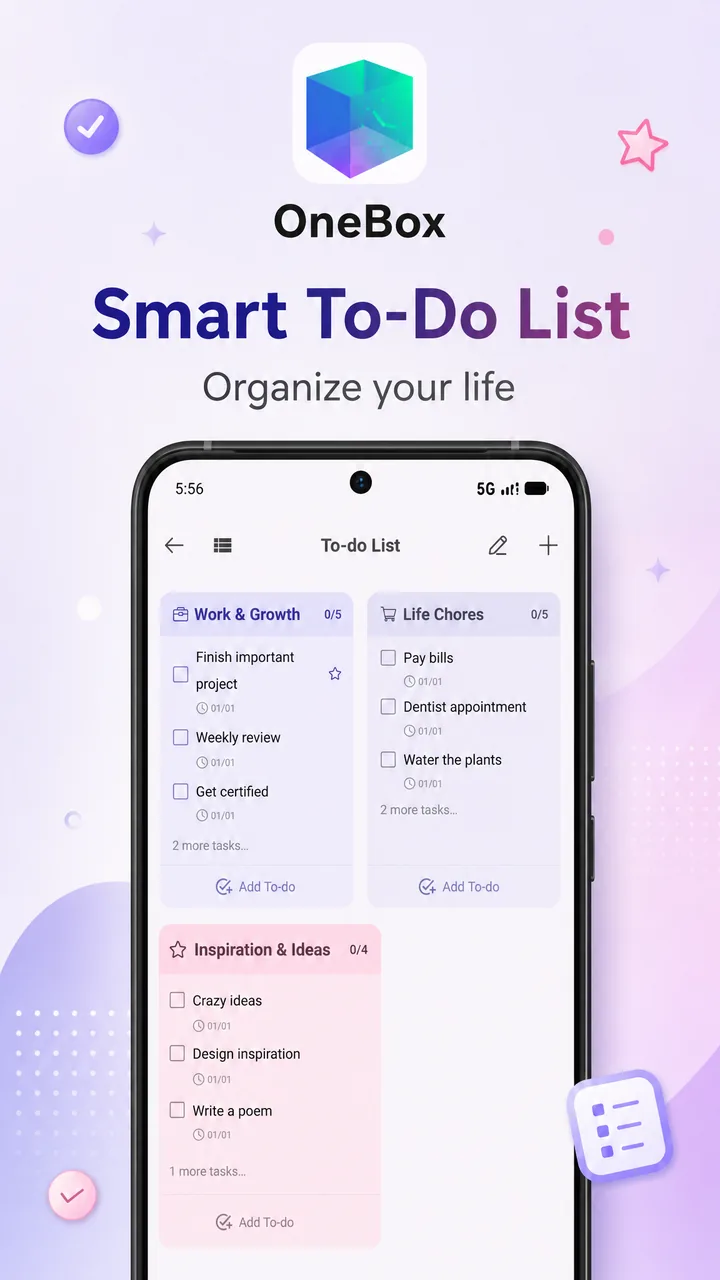
Files move directly between your devices over the same WiFi network. Nothing is uploaded to any server.
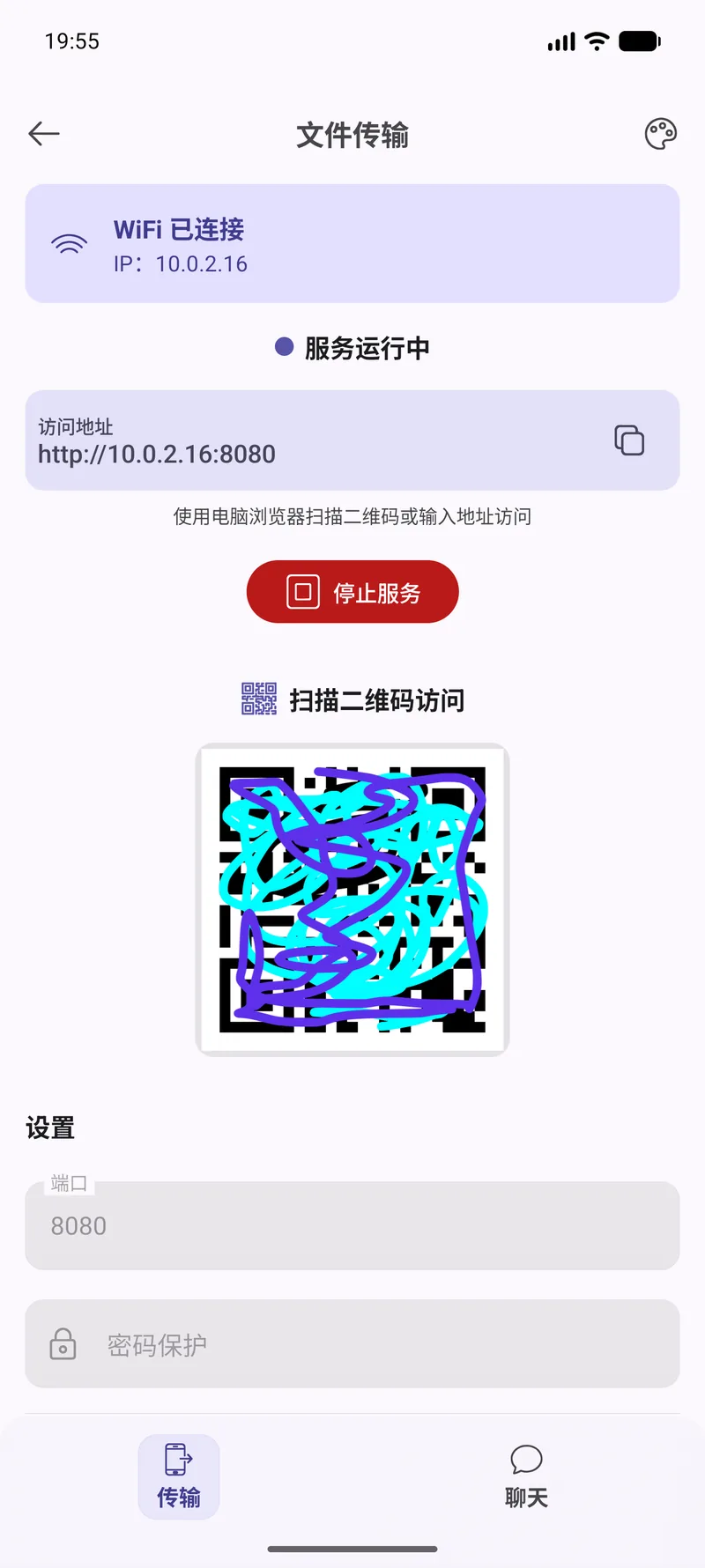
Open the address or scan the QR code shown on your phone and the two devices are connected in one step.
Transfers are encrypted across the local network, so other devices on the same WiFi cannot read them.
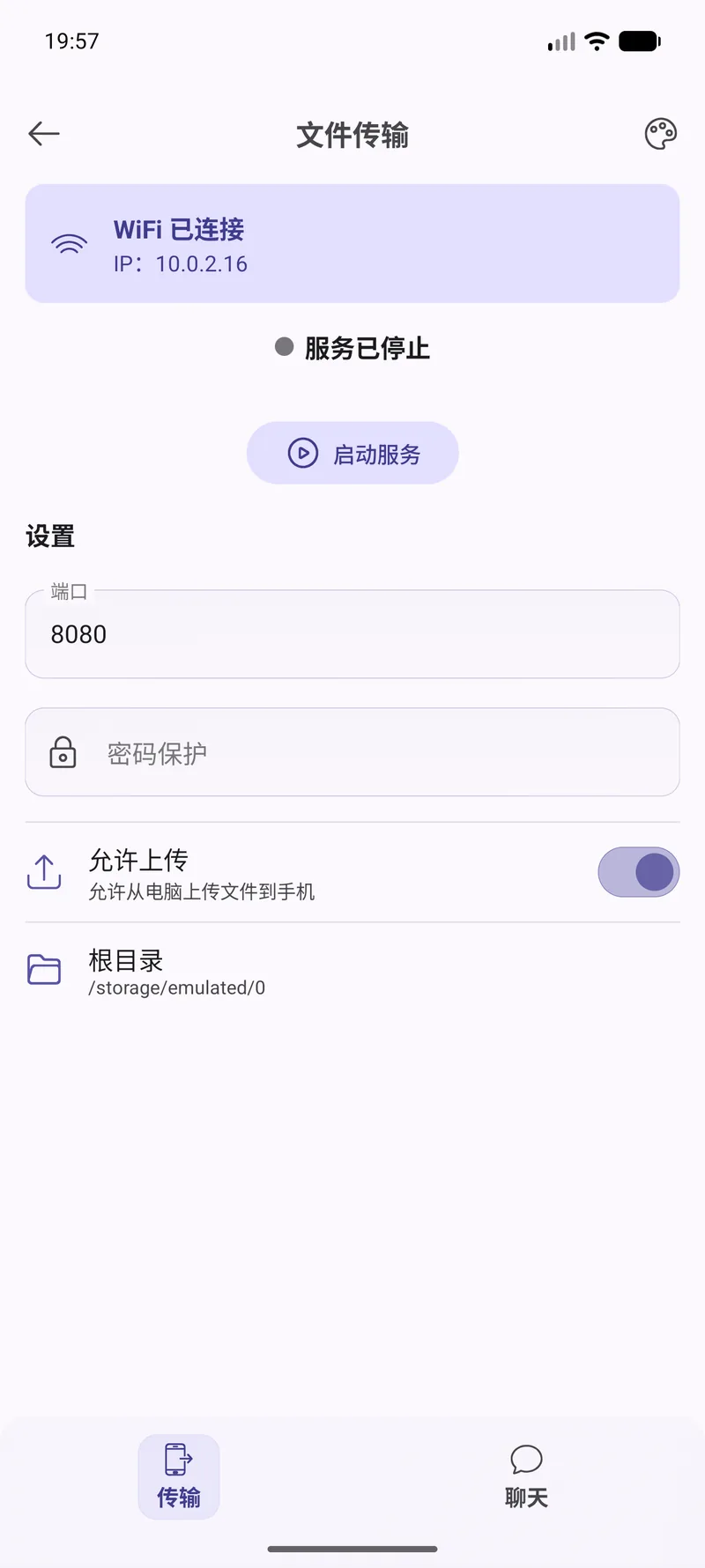
Open the file transfer tool and choose whether you are sending or receiving.
On your computer, open the address displayed in the app — or scan the QR code — while both are on the same WiFi.
Pick what you want and send it either direction. Progress is shown as it goes.
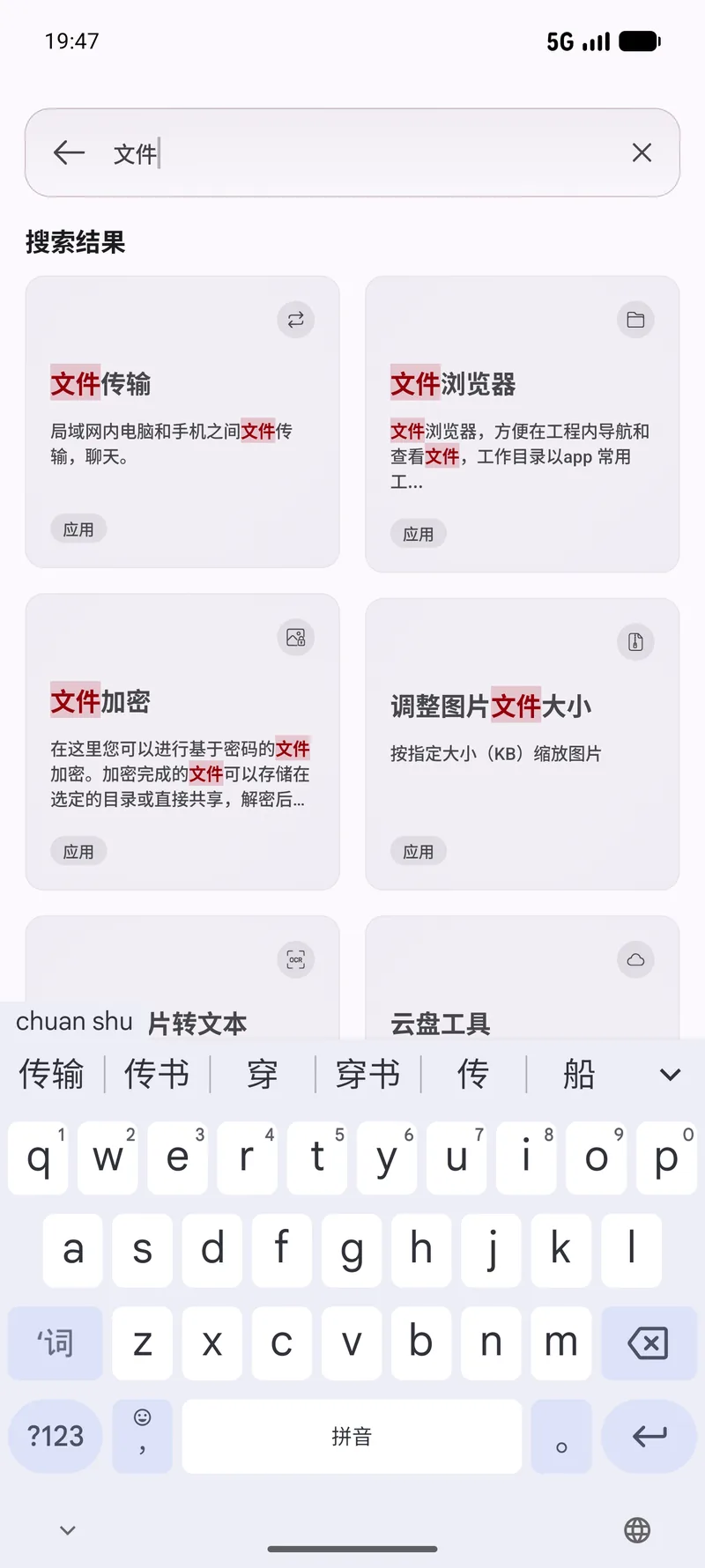
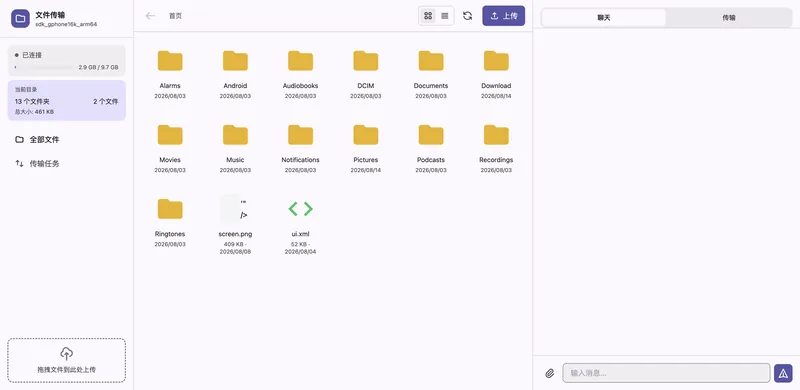
Real screens from this module. The interface is shown in Chinese here — OneBox ships in twelve languages, English included.
Tell the built-in agent what you want in plain English. It picks the right tool, runs it, and reports back — you never leave the chat.
Send these photos to my computer over WiFiStart receiving files on my phoneTransfer this large video without a cableNo. Everything stays on your local network. Files never pass through a server of ours or anyone else's.
No — just a web browser. Open the address shown in the app and you are connected.
Yes, transfers across the local network are encrypted.
No artificial one. If your device has room for the file, it can be transferred.
90+ tools, free, no ads. All processing happens on your device. Open source under Apache-2.0.