One photo, one screen
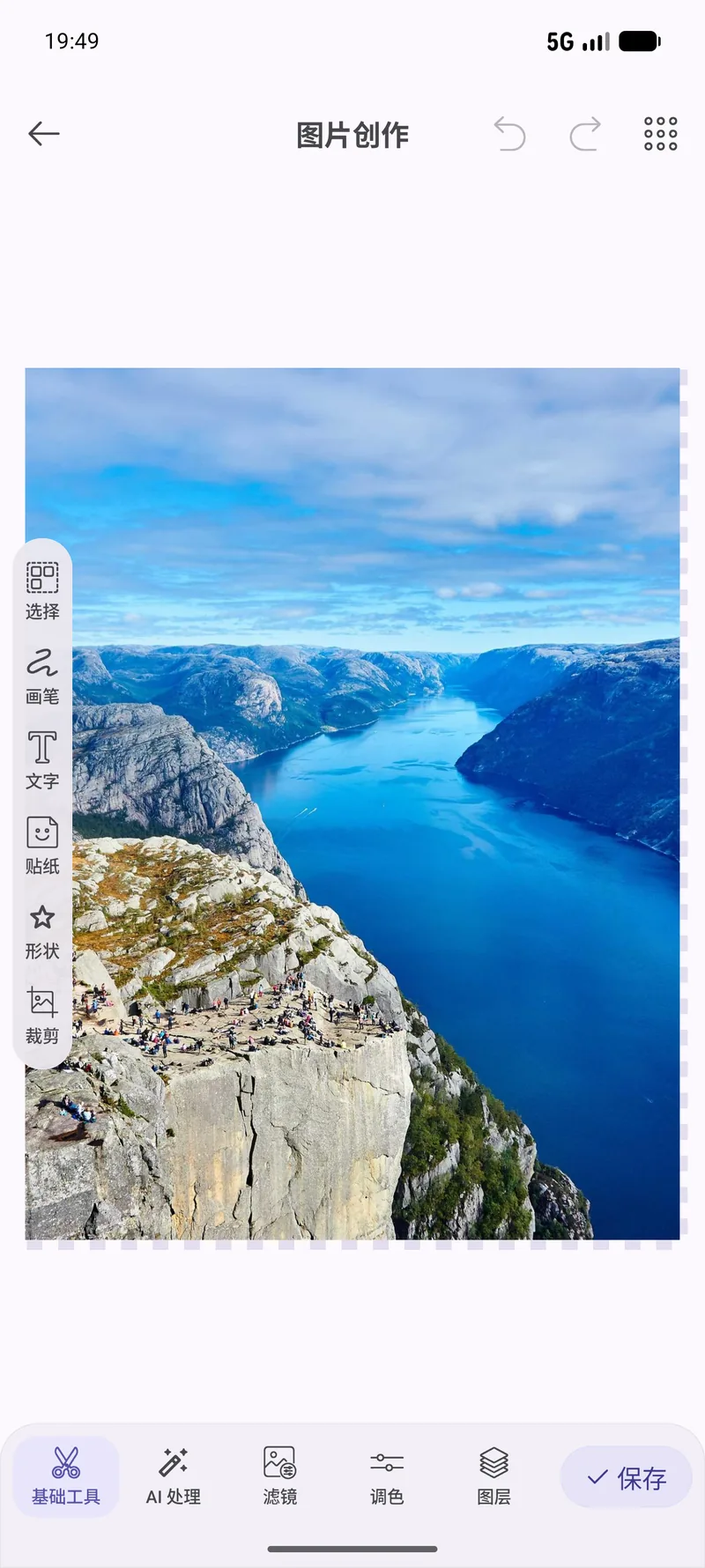
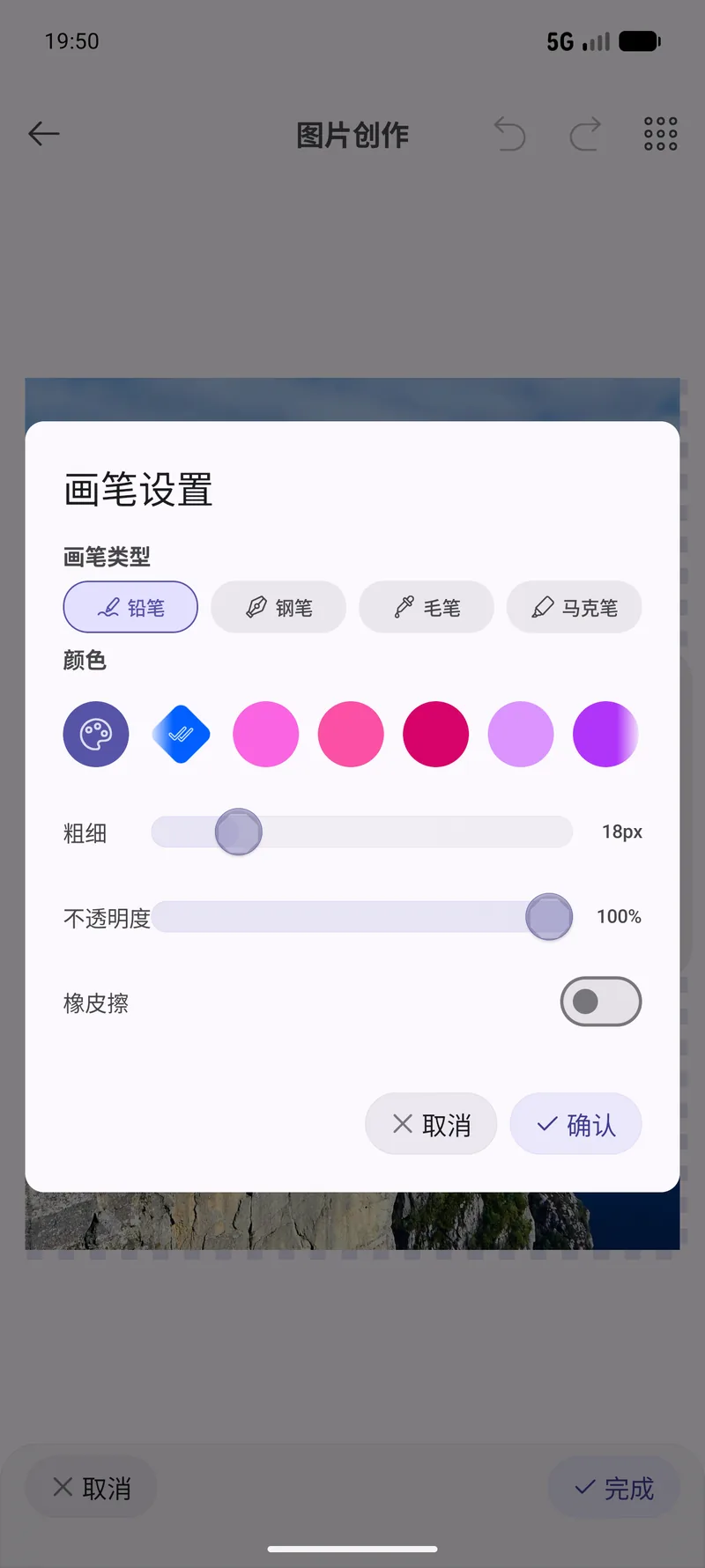
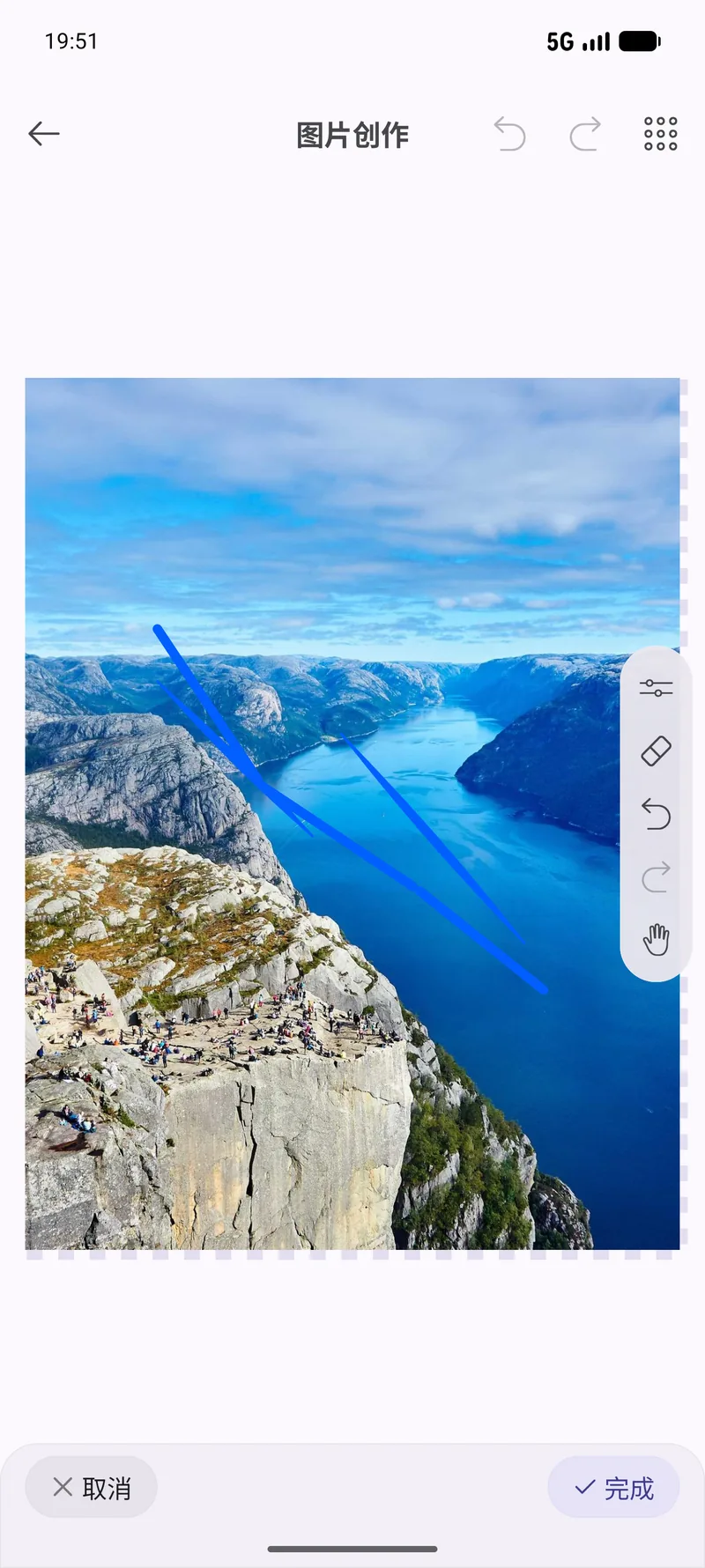
Cropping, filters, drawing, tone curves and resizing live in a single editor, so finishing one picture does not mean bouncing between four apps.
Crop, filter, draw and pull tone curves on a single photo — with a before-and-after check before you commit to saving.
Cropping, filters, drawing, tone curves and resizing live in a single editor, so finishing one picture does not mean bouncing between four apps.
Compare your edit against the original. It is the fastest way to tell whether you have improved the photo or just made it louder.
Set the output dimensions, pick the format and dial the quality yourself, instead of accepting whatever the exporter decided for you.
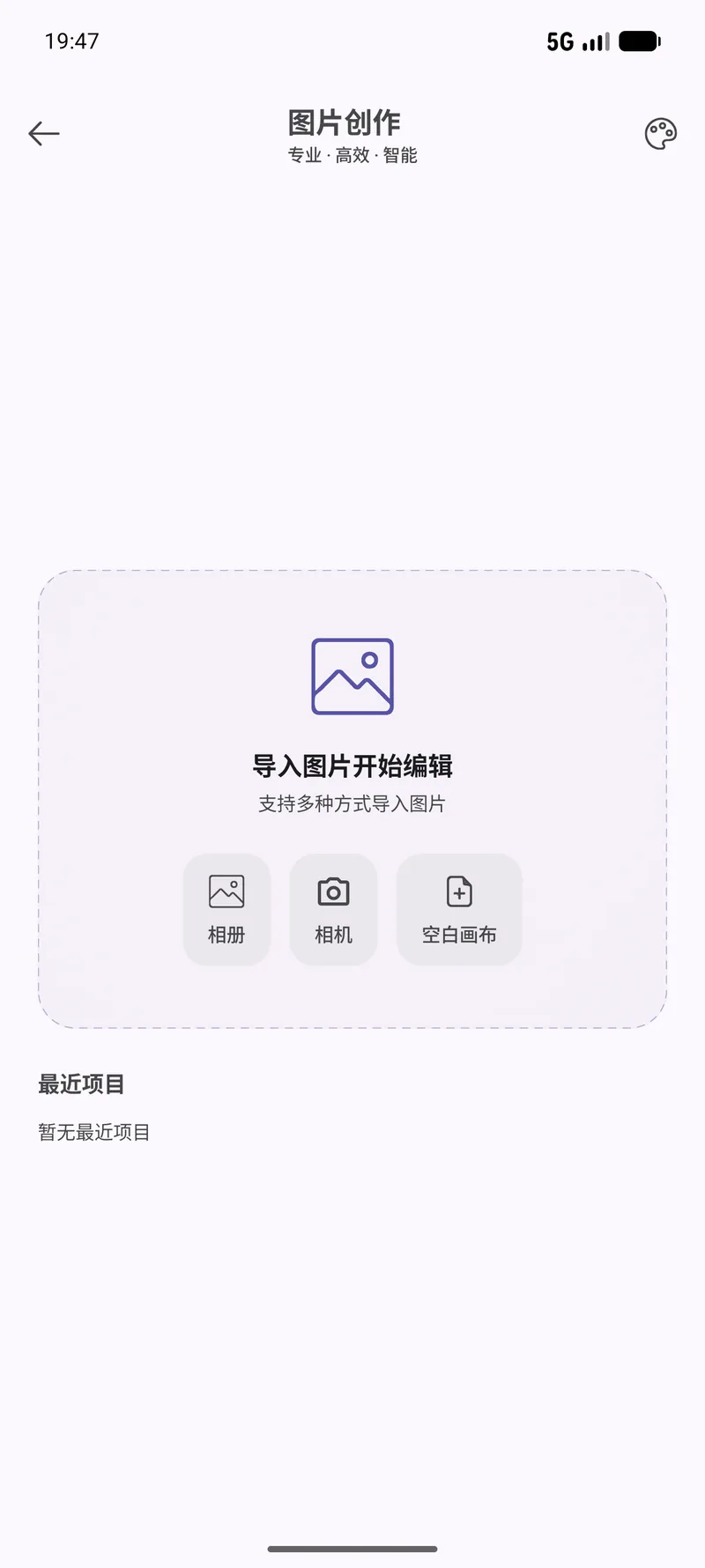
Pick any image from your gallery and it loads straight into the editor.
Crop or straighten first, then apply filters, draw, or pull the tone curves. Resize and choose an output format when you are close.
Compare against the original, adjust quality if the file is larger than you want, then save as a new file.
Real screens from this module. The interface is shown in Chinese here — OneBox ships in twelve languages, English included.
Tell the built-in agent what you want in plain English. It picks the right tool, runs it, and reports back — you never leave the chat.
Open this photo in the editorOpen the editor so I can crop this screenshotNo. Cropping, filters, drawing, tone curves, resizing and format conversion all run on your device. Your photos are not uploaded.
Yes. The before-and-after comparison exists precisely so you can check whether an edit helped.
Dimensions, format and quality. Saving always writes a new file, so the original is left alone.
Not yet. The agent can open the editor for you, but the edits themselves are yours to make — there is no tool that applies filters or curves on your behalf.
90+ tools, free, no ads. All processing happens on your device. Open source under Apache-2.0.