
Scripts stay on the device
Write, edit and keep as many scripts as you like. They are stored locally, so you can rehearse somewhere with no signal at all.
Write your script, then let it scroll at your pace — character size, speed and mirroring adjustable while you deliver it.
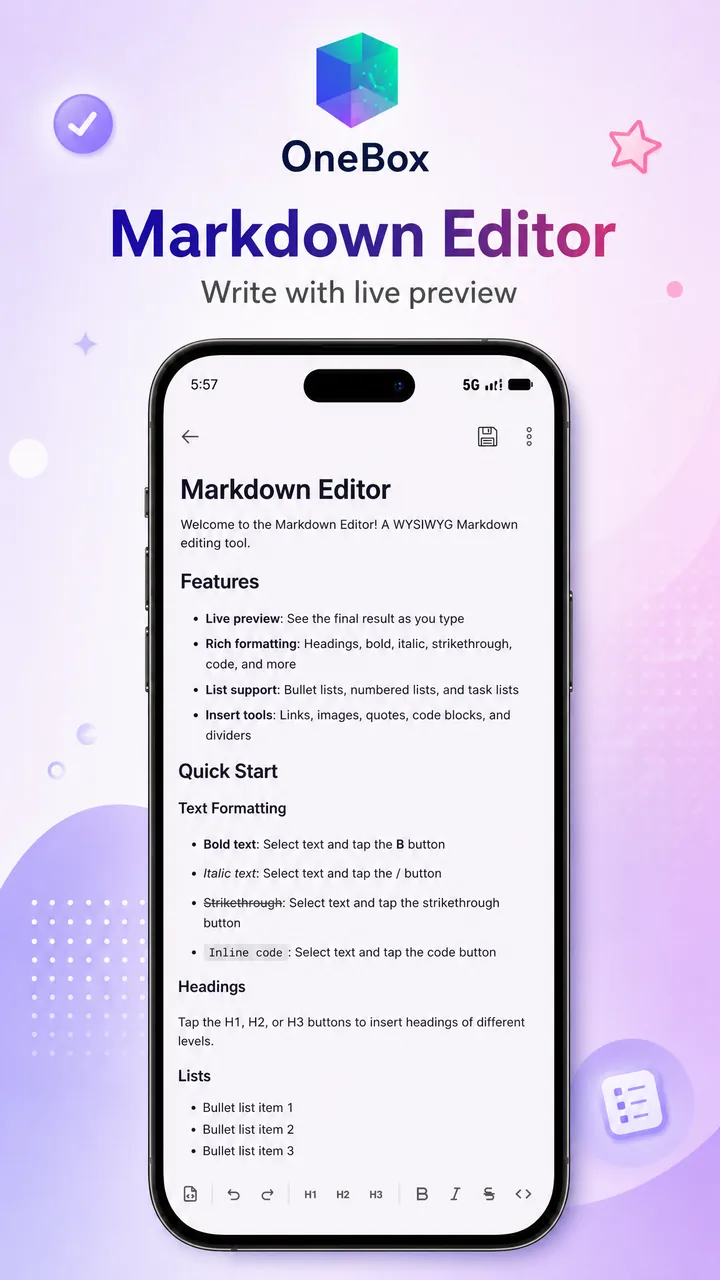
Write, edit and keep as many scripts as you like. They are stored locally, so you can rehearse somewhere with no signal at all.
Full-screen playback with tap-to-reveal controls: pause, change scroll speed or character size, and carry on without leaving the take.
Flip the display for a beam-splitter teleprompter, which is the whole point if you are reading to camera through glass.
Create a script, give it a title, then type or paste the text. Everything saves locally as you go.
Set character size, scroll speed and mirroring before you start. A progress indicator shows how far through you are.
Go full screen and let it scroll. Tap once to bring up the control panel if you need to pause or adjust mid-delivery.
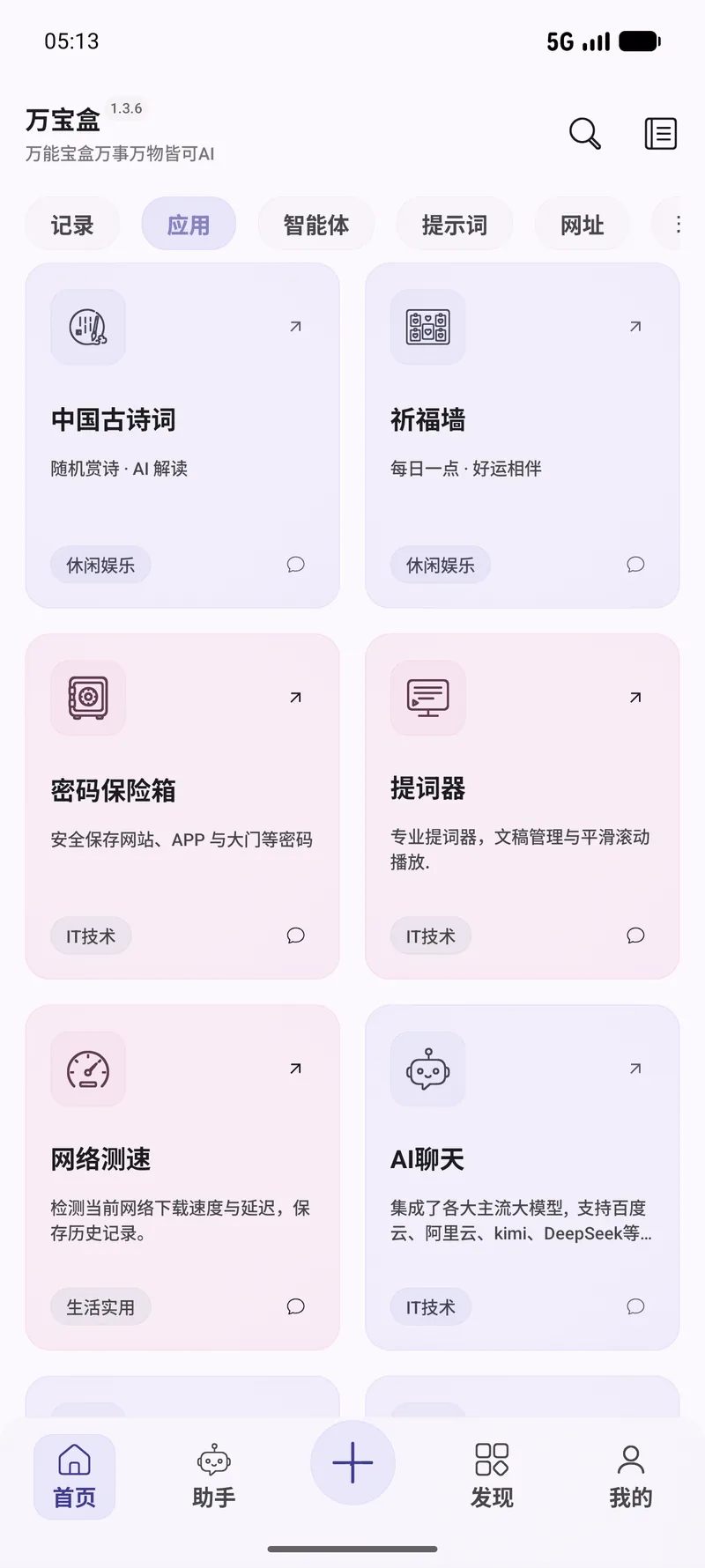
Real screens from this module. The interface is shown in Chinese here — OneBox ships in twelve languages, English included.
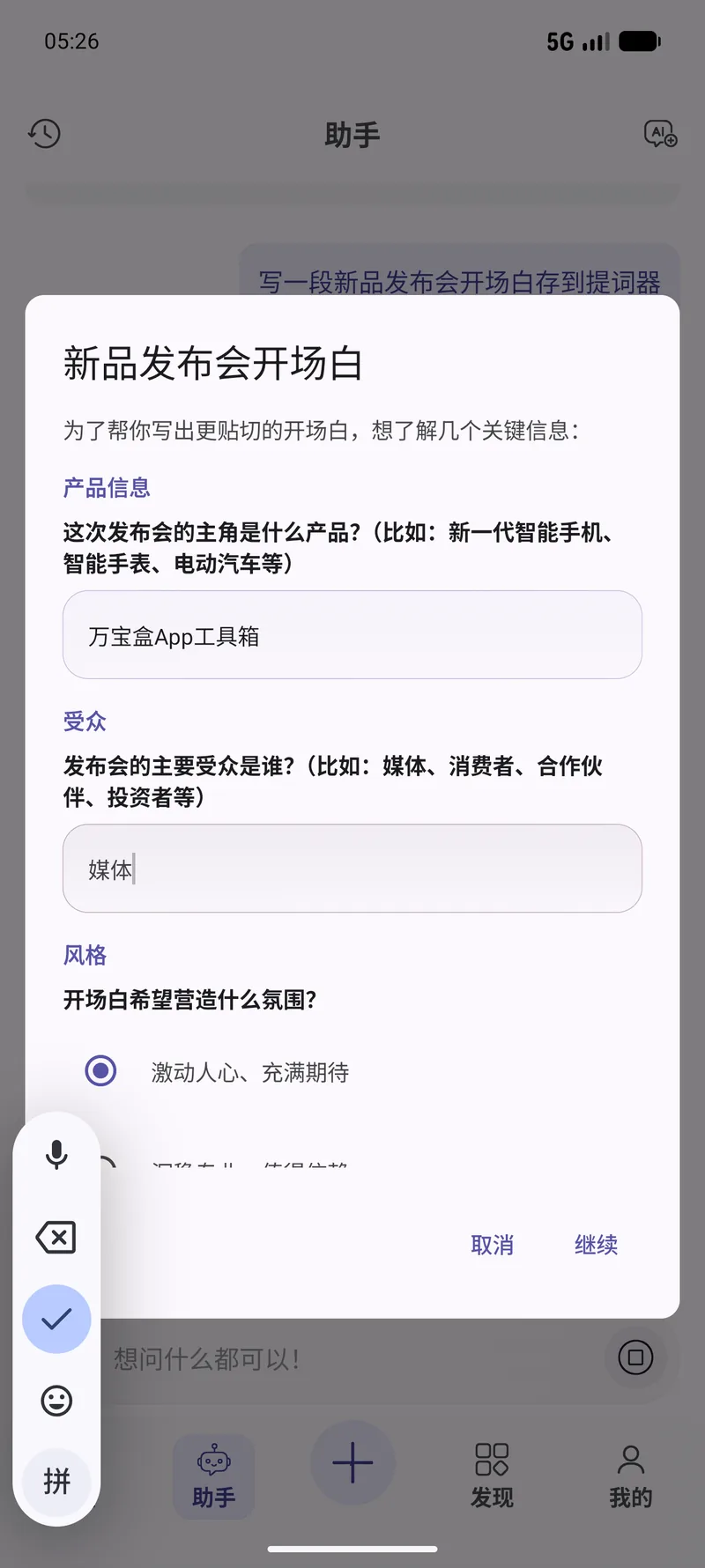
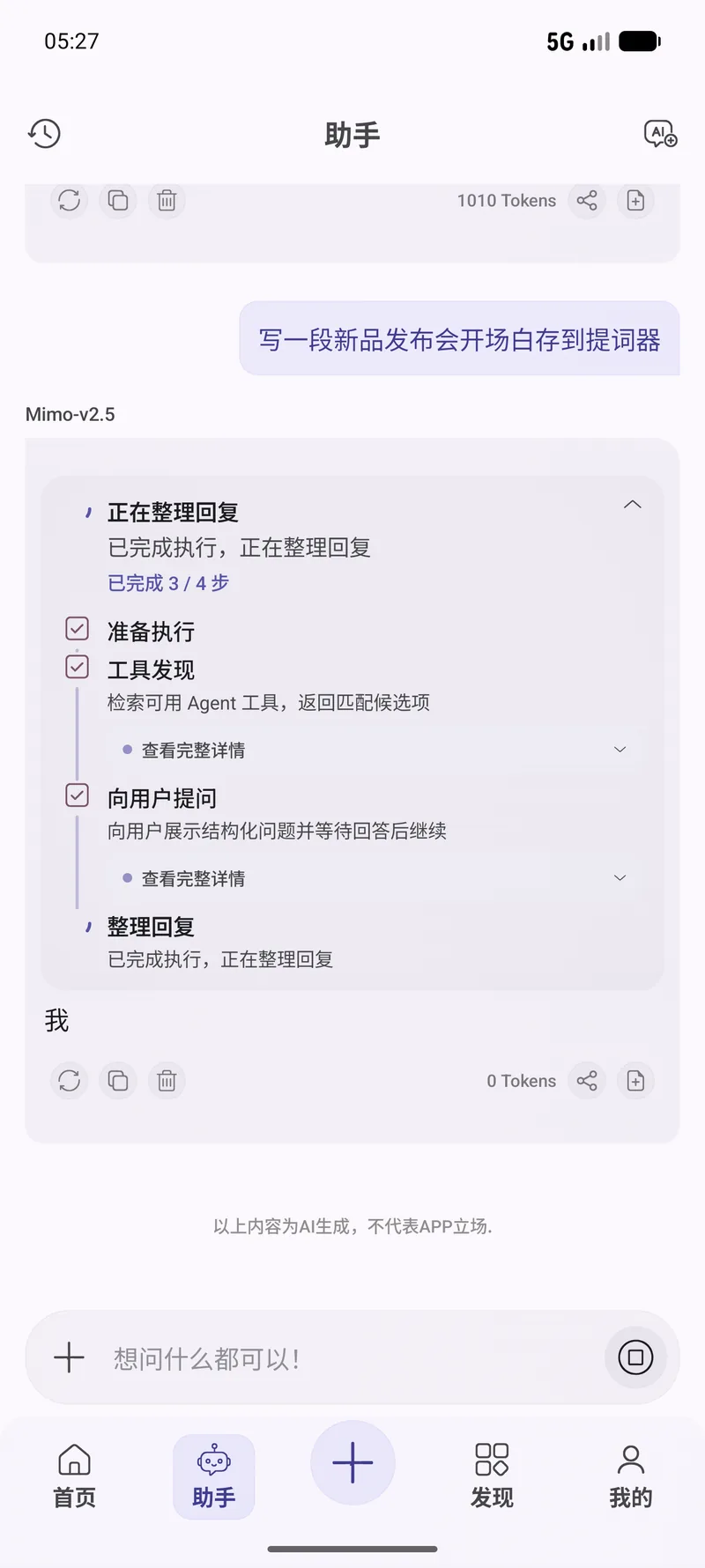
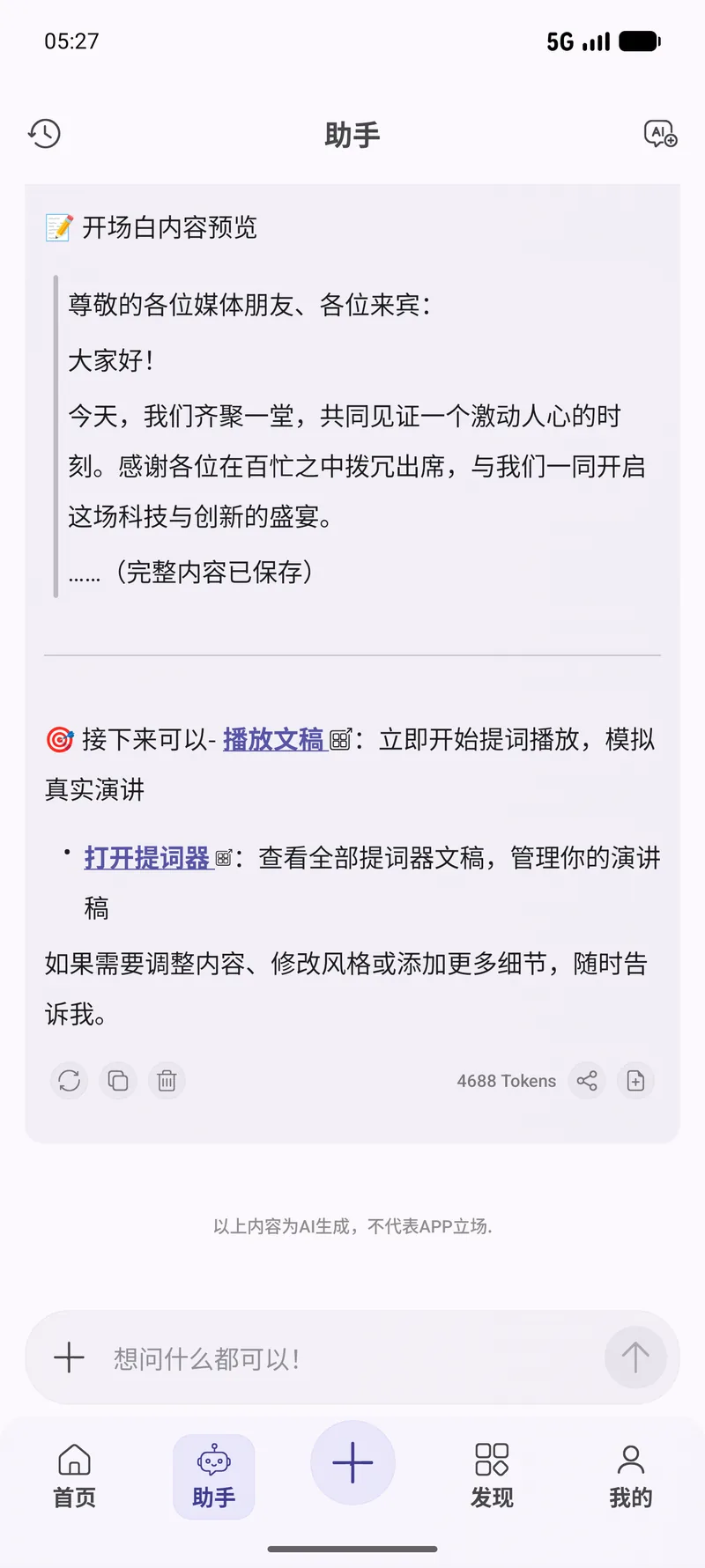
Tell the built-in agent what you want in plain English. It picks the right tool, runs it, and reports back — you never leave the chat.
Write a 30-second intro for my video and save it as a scriptList all my teleprompter scriptsChange my product-launch script to open with a questionNo. Scripts are stored locally and playback runs entirely on your device.
Yes. Tap to show the control panel, adjust scroll speed or character size, then resume without leaving full screen.
Yes. Mirror mode flips the text horizontally, for use with a beam-splitter teleprompter rig.
It can manage them: the agent creates, updates, lists and deletes scripts, and hands you a link straight into the editor or the player. How good the draft is depends on the model you plugged in.
90+ tools, free, no ads. All processing happens on your device. Open source under Apache-2.0.